Automatic Chicken Door (Bluetooth)
Setup and pairing for the Bluetooth door. If your door has a button on the housing, you have the Classic model — see the Classic door guide instead.
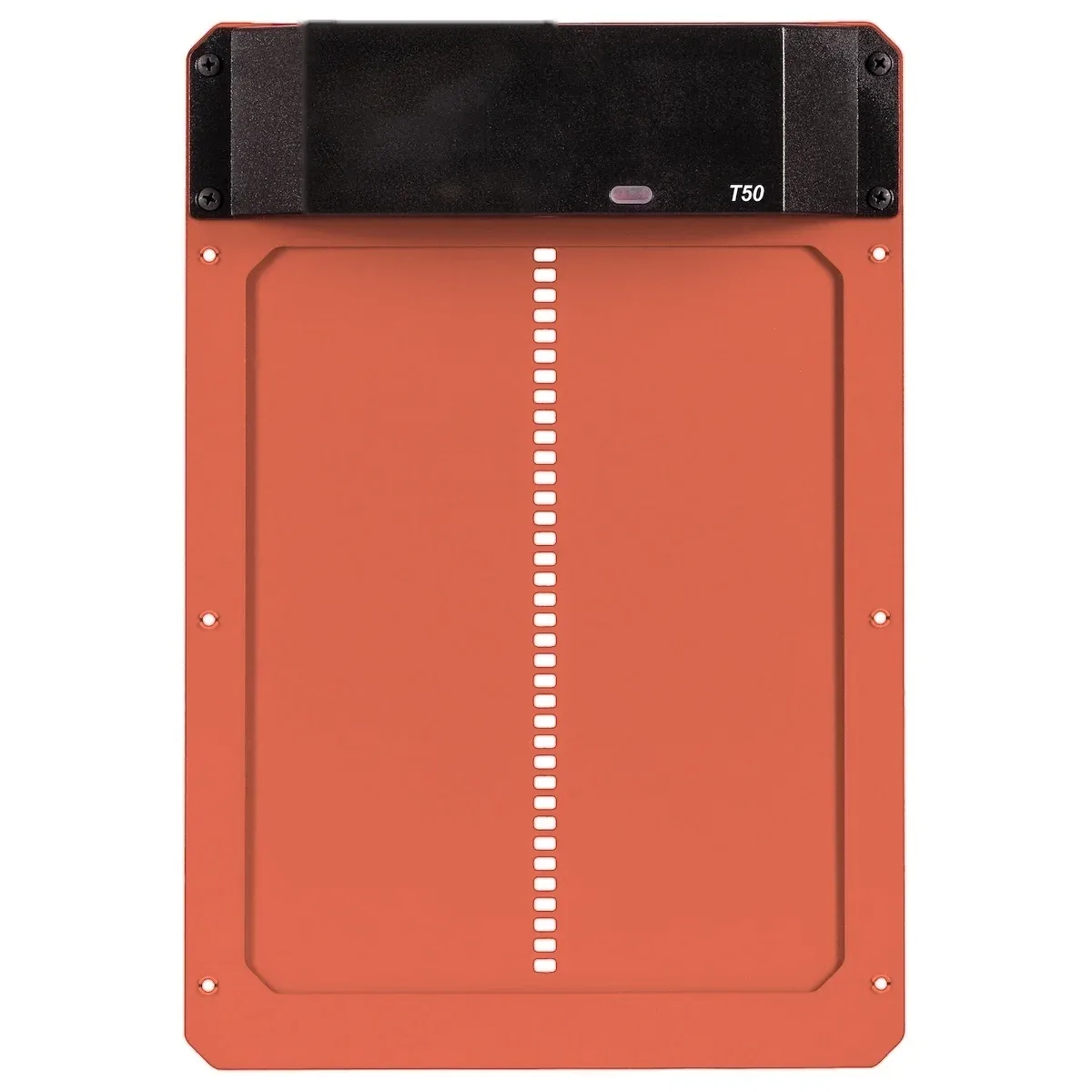
Getting started
- Pull the plastic tab from the battery housing to activate the door.
- The door arrives in factory mode and opens 20 minutes after sunrise, closing 20 minutes after sunset. This suits nearly every flock and needs no setup.
- To change the schedule, download the RUN-CHICKEN App and pair the door over Bluetooth. Stay within about 30 feet while pairing.
- Turn on the Anti-Pinch safety stop in the RUN-CHICKEN App during setup. It pauses the motor if a chicken is standing in the doorway.
Mounting
The door needs a 7.9" x 9.8" opening, at least 12" of clearance above its upper edge so it can slide open, and 1" of space on each side and below. It mounts with the six included screws and no wiring.
Replacing an older door? Measure your existing cutout before you start. The Bluetooth model's opening differs slightly from the Classic model's 8" x 10".
Batteries
The door runs on two AA alkaline batteries, included, and they last about a year. Replace them before winter. Use high-quality non-rechargeable alkalines only — rechargeables supply the wrong voltage for the door to operate correctly.
Care and troubleshooting
Wipe the rails clean with a cloth and warm water to clear dirt. Never lubricate the door — grease damages the rails. In winter, make sure the door is dry and free of ice; if rain freezes in the rails the door may not open until it thaws, and a small canopy above the door helps.
If a firmware update is interrupted, the door waits in recovery mode rather than installing a partial update. Stand near the door, open the RUN-CHICKEN App, and tap Repair instead of Connect. If the RUN-CHICKEN App cannot find the door, remove the batteries for five seconds, reinsert them, and repair again.